A follow-up reminder tool that reminds you at the right time
useFollowUpHQ is a lightweight follow-up reminder tool for small businesses. It helps you remember to follow up with leads, prospects and clients. It is not appointment-reminder software — it does not send texts or emails to your customers — and it is not a full CRM. Its one job is to make sure the follow-ups you intend to do actually happen, on time.
What "follow-up reminder" means here
"Follow-up reminder" gets used for two very different things. useFollowUpHQ does one of them:
- A reminder to you, the business owner, that it's time to contact someone back — chase a quote, check in on a proposal, call a lead who asked you to "try again next week." This is what useFollowUpHQ does.
- A reminder to your customer about an upcoming appointment. That's appointment-reminder software. useFollowUpHQ does not do this and never messages your contacts.
Every reminder in useFollowUpHQ is attached to a specific person and a specific purpose — not a loose to-do. If you're weighing this against a CRM, see follow-up tool vs CRM.
Choose a time, or just choose a day
When you schedule a follow-up you can set a specific time, or leave the time open. The reminder works differently in each case — and the difference is deliberate.
If you choose a specific time
- You pick a :00 or :30 slot.
- The reminder email is sent exactly one hour before that time.
- A follow-up due at 3:00 PM gets its reminder at 2:00 PM. A follow-up due at 2:30 PM gets its reminder at 1:30 PM.
If you choose a date with no time
- The follow-up is date-only.
- The reminder email is sent at 9:00 AM in your local timezone on that date.
- It is not sent at 8:00 AM, and it is not "one hour before" anything — a date-only follow-up has no specific time to lead, so it gets a fixed morning reminder instead.
- A follow-up dated September 16 gets its reminder on September 16 at 9:00 AM your local time.
| You schedule | Reminder email is sent |
|---|---|
| A follow-up at 3:00 PM | 2:00 PM (one hour before) |
| A follow-up at 2:30 PM | 1:30 PM (one hour before) |
| A follow-up on Sept 16, no time | Sept 16 at 9:00 AM your local time |
How scheduling works
Times are on the hour or half-hour
When you give a follow-up a specific time, you pick a :00 or :30 slot. This keeps scheduling quick and reminder timing predictable. Follow-ups created before this rule existed keep their original time until you change it.
The earliest time you can pick is about two hours away
The earliest time you can schedule a follow-up for is the first :00 or :30 slot at least two hours from now, in your local time. That guarantees there's always room for the one-hour-before reminder to reach you with time to act.
| It's now (your local time) | Earliest follow-up time you can pick |
|---|---|
| 2:10 PM | 4:30 PM |
| 2:35 PM | 5:00 PM |
| 2:55 PM | 5:00 PM |
| 10:05 AM | 12:30 PM |
In your timezone, and correct across daylight saving
Your account has a timezone. It's detected from your browser the first time you use useFollowUpHQ, and you can change it anytime in your profile — your manual choice always wins. Every due time you set and every reminder you get is calculated in that local time, and it stays correct through daylight-saving changes.
What happens if a follow-up becomes overdue
useFollowUpHQ will not send a reminder for a follow-up whose time has already passed. If a follow-up slips past its due time before you act on it, it appears on your dashboard as overdue — it does not trigger a late reminder as if nothing had changed.
How the reminder reaches you
- Reminders are sent by email, to the email address on your account.
- Each follow-up's reminder is sent once — you won't get the same reminder twice.
- Reminders are never sent to the people on your contact list.
Who it's for
- Solo operators and small teams who follow up with people over days and weeks.
- Consultants, freelancers and agencies chasing proposals and project decisions.
- Quote-driven businesses — insurance agents, real estate, solar companies, and HVAC & contractors — where revenue depends on following up after an estimate.
- Anyone whose current system is a spreadsheet, flagged emails, or memory.
Who it's not for
- Businesses that need to remind customers about appointments — use appointment-reminder software instead.
- Teams that need a shared pipeline, management reporting or automation — use a CRM (how to tell which you need).
- High-volume outbound sales that need automated email sequences.
Real examples
- Consultant, proposal sent. You email a proposal on Monday and schedule a follow-up for Thursday at 10:00 AM. At 9:00 AM Thursday, an email reminds you to check in.
- Insurance agent, "call me after the 15th." A prospect asks you to follow up after the 15th. You schedule a date-only follow-up for the 16th and get a reminder that morning at 9:00 AM your local time.
- Agency account manager, "an update early next week." You set the follow-up for Tuesday 2:30 PM; the reminder lands at 1:30 PM, while you can still send something thoughtful.
- Contractor, quoted on site. You finish quoting a job at 2:45 PM and want to follow up the same day. The earliest slot you can pick is 5:00 PM, and the reminder reaches you at 4:00 PM.
How it works, step by step
- Add the contact. Capture their details and an initial status — New, Contacted, Qualified, Won or Lost.
- Schedule the follow-up. Pick the date, and a :00 or :30 time if you want one. Add a title and optional notes about what you want to discuss.
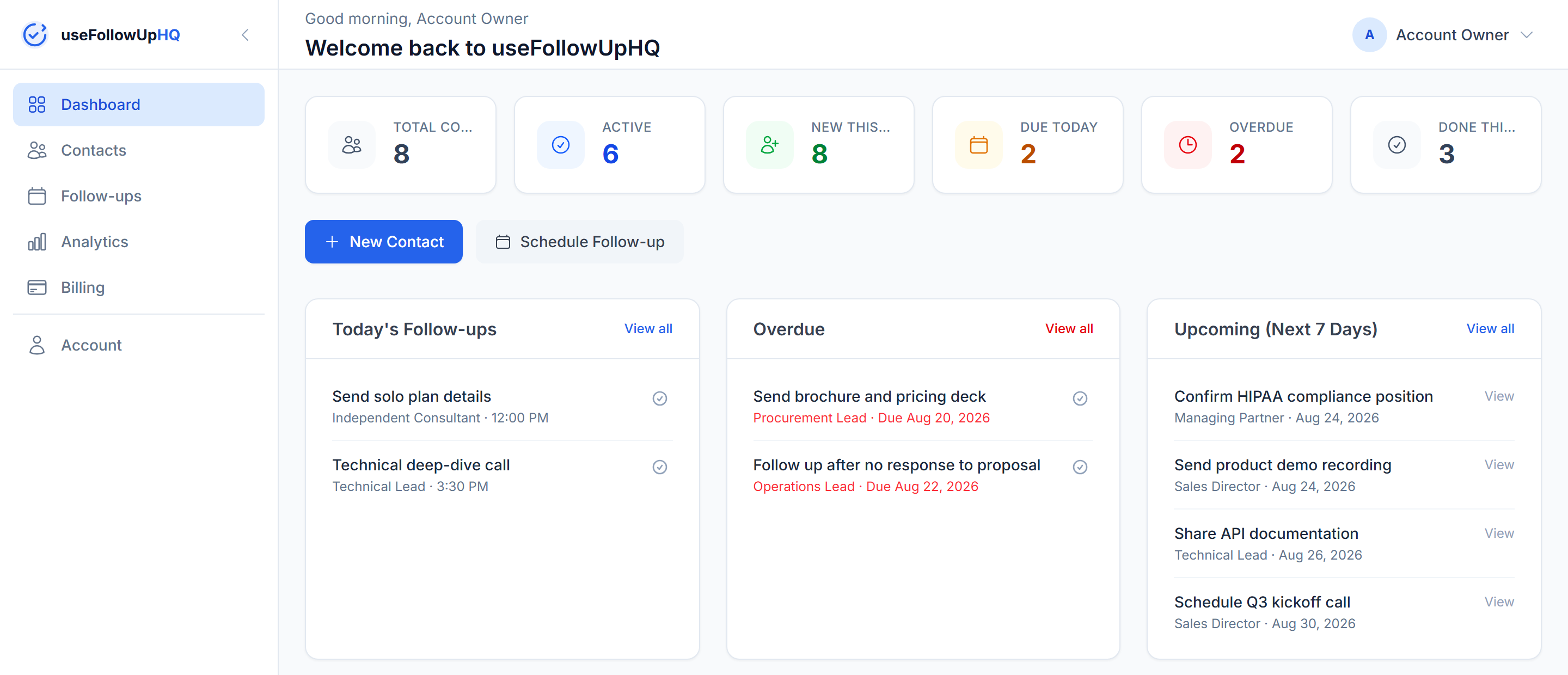
- Get reminded. An email arrives one hour before a timed follow-up, or at 9:00 AM your local time for a date-only one. Do the follow-up, record the outcome, and set the next step.
Frequently asked questions
When exactly does the reminder arrive?
For a follow-up with a specific time, the reminder email is sent one hour before that time. For a date-only follow-up, it is sent at 9:00 AM in your local timezone on the follow-up date. Either way it goes to the email address on your account.
Does useFollowUpHQ text or email my customers?
No. Reminders go only to you. useFollowUpHQ never contacts the people on your list.
Is this appointment-reminder software?
No. It reminds you to follow up with people. It does not send appointment reminders to your customers.
Why are follow-up times limited to :00 and :30?
To keep scheduling fast and reminder timing predictable. When you set or change a time, you pick an hour or half-hour slot.
Why can't I schedule a follow-up for the next hour or two?
The earliest time you can pick is the first :00 or :30 slot at least two hours from now, in your local time, so the one-hour-before reminder always has time to reach you before the follow-up is due.
What if I only know the day, not the time?
Schedule a date-only follow-up. Its reminder is sent at 9:00 AM in your local timezone on that date.
What happens if a follow-up becomes overdue?
It shows on your dashboard as overdue. useFollowUpHQ does not send a reminder for a follow-up whose time has already passed.
Will I get duplicate reminders?
No. Each follow-up's reminder is sent once.
Can I change my timezone?
Yes. It is detected from your browser the first time you use useFollowUpHQ, and you can change it anytime in your profile. Your manual choice always wins.
What does useFollowUpHQ cost?
useFollowUpHQ is $15 per month, with a 14-day free trial and no credit card required to start.
Is my data private?
Yes. useFollowUpHQ uses industry-standard security practices including HTTPS encryption, secure passwords, and protected database access. Your data is private to your account only.
Start your 14-day free trial
If you lose work because follow-ups slip, this is the tool for exactly that problem — nothing more, nothing less. useFollowUpHQ is $15 per month, with a 14-day free trial and no credit card required to start.